CaptiveCrunch: Fake Browser Updates on Hotel Wi-Fi Deliver Russia's CornFlake RAT
A browser-update prompt on hotel captive-portal Wi-Fi is the whole attack. Microsoft's CaptiveCrunch campaign, attributed to a Russian sub-cluster of Midnight Blizzard, delivers the CornFlake RAT to travelers. The defense is a short, enforceable checklist, not awareness in the abstract.

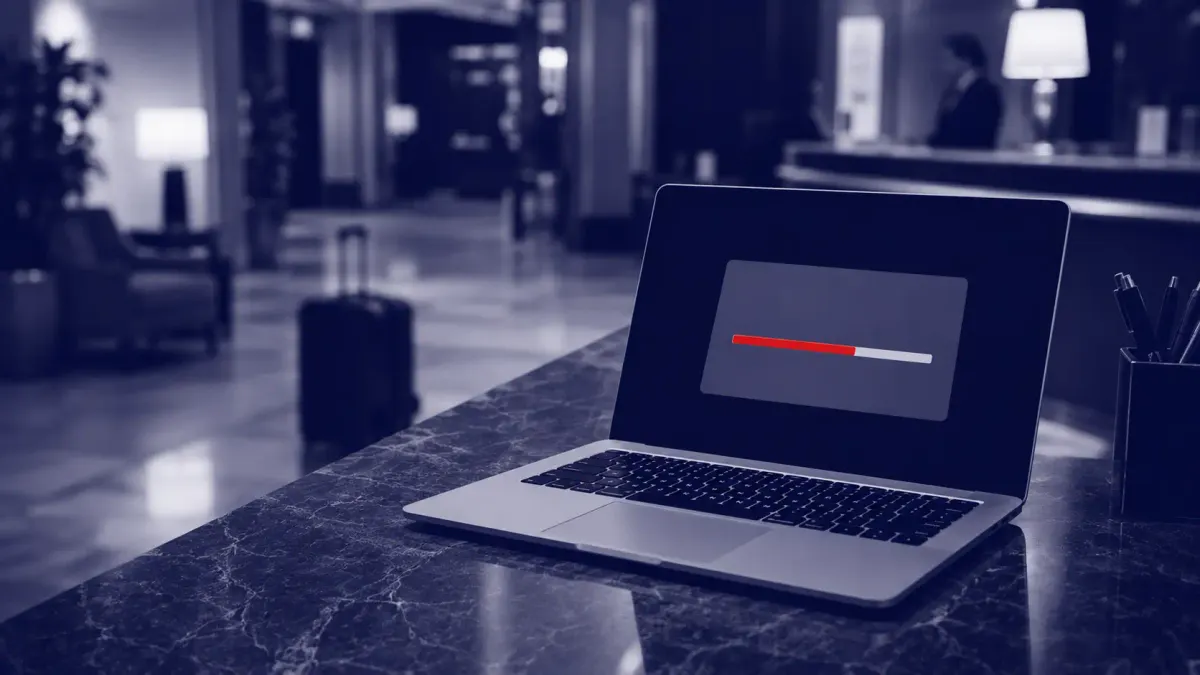
You land after a long flight, drop your bag, and open a laptop in the hotel lobby to clear email before dinner. The captive portal — the sign-in page hotel Wi-Fi throws up before it lets you online — loads exactly as it should. A moment later, the browser says it needs an update. On a network you only half-trust, at the end of a travel day, clicking Update feels like the routine cost of getting online. According to Microsoft, that click is the entire attack.
On July 31, Microsoft tied a wave of hijacked hospitality Wi-Fi to a campaign it tracks as CaptiveCrunch, in which a fake browser update served over a hijacked hotel captive portal delivers CornFlake, a remote access trojan that can capture webcam images, microphone audio, and keystrokes. Microsoft attributes the operation to a Russian threat actor it labels Storm-2945 and assesses that Storm-2945 is an operational sub-cluster of Midnight Blizzard — the group also known as APT29 and Cozy Bear, and formerly tracked by Microsoft as Nobelium. The practical takeaway for anyone who travels for work is narrower, and more useful, than the espionage headline: the thing that gets you is a browser-update prompt on hotel Wi-Fi, and the defense is a short checklist you can enforce before your next trip.
The Delivery Chain: Portal to Payload
The mechanics matter only insofar as they tell a defender where to stand. On the compromised networks that ReliaQuest investigated, the captive-portal gateway also acted as the DNS resolver handed to every device that joined the Wi-Fi. Administrative control of that gateway let the operators forge DNS answers and steer traffic — including the automatic connectivity check a laptop runs when it joins a network — toward a page offering a fake browser or operating-system update. Some variants go further, using ClickFix-style instructions that tell the visitor to open a terminal and run a supplied command.
One detail is worth holding onto, because it defines the whole defense: the gateway decides where you are sent, but it does not silently infect the machine. As Microsoft and The Hacker News both stress, the victim still has to download and run the payload. There is a human step in the chain, which means there is a place to break it.
Once executed, CornFlake — a Go-based implant — copies itself into the user's %APPDATA% directory and registers a service under the innocuous display name “Cloud Sync Service,” while a fake progress window holds the user's attention. Microsoft's analysis describes it taking idle-triggered screenshots, lifting clipboard contents, stealing browser cookies and saved passwords, scanning removable drives, and opening a remote shell, with a watchdog that restores any persistence a defender removes. A companion in-memory stealer, ChocoShell, collects Microsoft 365 and Entra ID access and refresh tokens — the kind of credential material that enables session replay without ever touching a password.
Since July 16, Microsoft says, some CaptiveCrunch landing pages have taken a second path that should concern any identity team: they funnel guests into Microsoft's legitimate device-code authentication flow. Enter the attacker-supplied code on Microsoft's real sign-in page and the attacker's session inherits your access, with MFA already satisfied. It is the same abuse of a legitimate login feature that phishers pivoted to after the Tycoon 2FA takedown, now bolted onto a hotel Wi-Fi lure. Microsoft's recommendation is blunt: block the device-code flow with Conditional Access wherever the organization does not genuinely need it.
Attribution: A Microsoft Assessment, Not Yet Corroborated
The Russia angle deserves care, because the reporting itself is careful. The U.S. and U.K. governments attribute the broader Midnight Blizzard and APT29 group to Russia's Foreign Intelligence Service, the SVR; the U.K.'s NCSC and its partners assess that APT29 is “almost certainly” part of the SVR. That government attribution covers the parent group. The specific chain from CaptiveCrunch to Storm-2945 to Midnight Blizzard, however, is Microsoft's assessment, and as of publication no separate public technical report has independently corroborated it. ReliaQuest, which documented the same Microsoft-impersonating domains eight days earlier, noted that the tradecraft actually resembled APT28 — the GRU's Fancy Bear, which Microsoft tracks as Forest Blizzard — but stopped short of attribution because the overlap was behavioral rather than technical. My read: treat “Russian threat actor” as well-supported and the exact sub-cluster as a reported judgment, not a settled fact. It does not change what you should do on Monday.
What Travelers Should Do Before Touching Hotel Wi-Fi
This is the spine of the story, because the fix is unusually concrete. For the individual on the road:
- Connect through a corporate VPN before you do anything else. ReliaQuest's specific recommendation is an always-on, full-tunnel VPN, which sends your DNS queries to your company's resolvers before the venue's gateway can answer them — neutralizing the forged-DNS trick at the root.
- Never install a “browser update” offered through a captive portal. Real browsers update themselves through their own built-in updater; they do not push updates through a hotel sign-in page. The same goes for any certificate, troubleshooting tool, security utility, or OS update a portal offers — decline all of them.
- Update software only from the vendor's own channel. If you genuinely need to update a browser, do it from the built-in updater or the vendor's official domain, on a trusted network — never from a web prompt that appeared while you were signing in to Wi-Fi.
- Treat device-code prompts as hostile. If a Wi-Fi page or message asks you to enter a code at a Microsoft sign-in screen, stop. A legitimate captive portal never needs you to authorize a device against your work account.
What Corporate Security Teams Should Lock Down
- Push an always-on, full-tunnel VPN through MDM so the traveler cannot forget it, and so DNS resolves through your infrastructure on untrusted networks.
- Block browser and software installs on the endpoint for standard travel profiles via MDM or application control, so a user who does click “update” cannot complete the install.
- Restrict Microsoft's device-code authentication flow with Conditional Access wherever headless sign-in is not required — Microsoft's own top recommendation, and the control that closes the token-theft path.
- Hunt for the host-based artifacts Microsoft documented — the “Cloud Sync Service” persistence, the svchost32 implant path, a scheduled task and Run key restored by a watchdog — and revoke sessions and tokens rather than only resetting passwords, since token theft is explicitly part of this campaign.
Readers who have followed this year's Russian activity will recognize the pattern. The same actor family has been reworking webmail and identity attacks, from the zero-click Zimbra campaign to a named, charged operator. CaptiveCrunch is the travel-shaped version of the same idea: put a legitimate-looking prompt in front of a distracted target and let them complete the compromise themselves.
What the Reporting Doesn't Say
Several things remain open, and are worth flagging rather than papering over. Microsoft has observed the traffic manipulation since at least May 2026 across hospitality networks in several countries, but it has not named a single hotel brand, venue, region, or captive-portal vendor — so a traveler cannot check whether a specific chain was affected. Microsoft did find common equipment and management systems across the affected networks, which it says could indicate shared services within part of the captive-portal ecosystem; if so, the compromises may not be isolated to individual properties, but no provider has been identified. The reports document active redirection and malware delivery but do not quantify reach or success — there are no public counts of infections, device-code approvals, or stolen accounts, so the record does not show how often a redirect became a compromise. The initial way in also remains under investigation: ReliaQuest assesses only with low-to-medium confidence that exposed management interfaces and weak or reused administrator credentials may have opened the door. Microsoft's writeup does include host-based indicators, but a consolidated, named-victim IOC picture is not part of the public reporting reviewed here.
Primary Documents
- Microsoft Security — CaptiveCrunch: Midnight Blizzard Targets Travelers Worldwide for Malware Delivery and Credential Theft
- The Hacker News — Hijacked Hotel Wi-Fi Pushes Fake Updates to Deliver Surveillance Malware
- ReliaQuest — Threat Spotlight: DNS Poisoning Tactics Expand to Hospitality
- UK NCSC — SVR Cyber Actors Adapt Tactics for Initial Cloud Access