What Is Phishing? Types, Red Flags, and How to Protect Yourself
Phishing tricks people, not software — which is why it starts most breaches. A clear guide to how phishing works, the main types, the red flags, the AI and MFA-bypass tactics of 2026, and how to protect yourself.

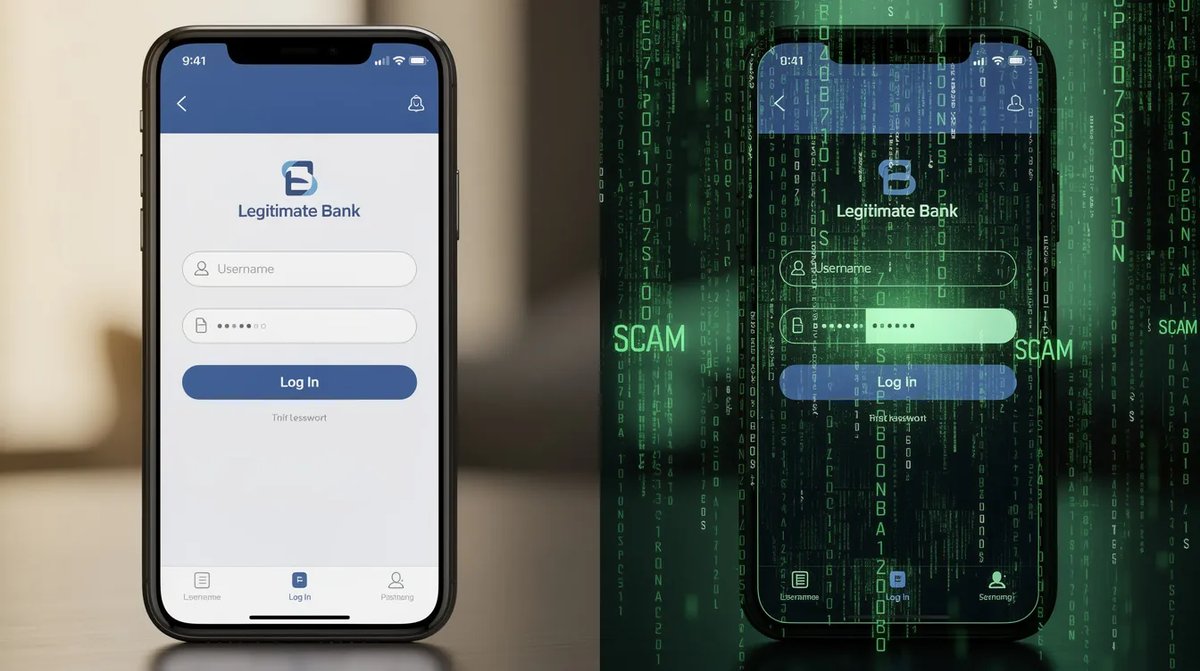
Every serious breach report tells the same story: attackers no longer break in, they log in. And the fastest way to get a working login is to ask for it. Phishing — fraudulent messages engineered to trick people into handing over credentials, money, or access — remains the single most common way intrusions begin in 2026, precisely because it skips the firewall and targets the person behind it. This guide explains what phishing is, the main types, the red flags that give it away, how 2026-era tactics defeat basic defenses, and how to protect yourself and your organization.
Phishing is a form of social engineering in which an attacker sends a deceptive message — usually posing as a trusted brand, colleague, or authority — to trick the recipient into revealing sensitive information, approving a payment, or installing malware. The lure exploits human psychology rather than a software flaw, which is exactly why technical defenses alone never fully stop it.
How a Phishing Attack Works
Nearly every phishing attack follows the same four-move arc, whatever channel it rides in on. First comes the lure: a message impersonating something you trust. Then the hook — manufactured urgency or fear that pressures you to act before you scrutinize. That leads to the harvest, where a convincing fake page or phone call collects your credentials. Finally, the attacker uses those credentials for compromise — logging in, moving money, or pivoting deeper into a network.
● ANATOMY OF A PHISHING ATTACK Four moves take an attacker from a single message to a fully compromised account. |
1 · LURE A message arrives — email, SMS, QR code, or voice call — impersonating a trusted brand, colleague, or IT desk. |
| ↓ |
2 · HOOK Manufactured urgency — a locked account, an unpaid invoice, a delivery on hold — pushes the target to click before they think. |
| ↓ |
3 · HARVEST A pixel-perfect fake login captures the password — and, in an adversary-in-the-middle attack, the live MFA code and session cookie too. |
| ↓ |
4 · COMPROMISE The stolen credential or replayed token unlocks the account — the launchpad for fraud, data theft, and lateral movement. |
Phishing is social engineering: it targets the person, not the software. |
The critical modern twist is at the harvest stage. Older phishing kits captured only your password. Today's adversary-in-the-middle (AiTM) kits proxy your session through the attacker's server, capturing the password, the one-time MFA code, and the authenticated session cookie in real time — which is how phishing now routinely defeats basic multi-factor authentication. We cover that mechanism in depth in our guide to MFA bypass attacks.
The Main Types of Phishing
“Phishing” is an umbrella term. The core deception is constant, but attackers vary the channel and the targeting. These are the forms you are most likely to encounter:
| Type | How it works |
|---|---|
| Email phishing | Mass fraudulent emails impersonating a brand or service to harvest logins — still the highest-volume form. |
| Spear phishing | A targeted message tailored to one person using researched details, making it far harder to spot. |
| Whaling / BEC | High-value impersonation of executives or vendors to authorize wire transfers or data disclosure. |
| Smishing | Phishing over SMS — fake delivery, bank, or toll texts that exploit small screens hiding the real URL. |
| Vishing | Voice-call phishing, often posing as IT support or a bank, increasingly using AI-cloned voices. |
| Quishing (QR) | A malicious QR code in an email or poster routes the victim to a phishing site, sidestepping URL filters. |
| AiTM / token theft | A proxy site relays the login in real time, stealing the password, MFA code, and session cookie at once. |
| Clone phishing | A copy of a legitimate message the victim already received, with links or attachments swapped for malicious ones. |
How to Identify Phishing: The Red Flags
No single sign is proof, but phishing messages tend to share a recognizable set of tells. Train yourself and your team to pause when you see them:
- Urgency and threats. “Your account will be suspended in 24 hours,” “unpaid invoice — pay now.” Pressure to act fast is the most reliable signal of a scam.
- A mismatched or lookalike sender. The display name says your bank, but the actual address or domain is subtly wrong (a hyphen, an extra letter, a different top-level domain).
- Links that don't match their text. Hover before clicking: the visible text and the real destination URL should agree. On mobile, where the URL is hidden, be doubly cautious.
- Requests for credentials or codes. Legitimate services never ask you to “confirm” your password or read back an MFA code. Anyone who does is an attacker.
- Unexpected attachments or QR codes. Invoices, “voicemails,” and scannable codes from senders you didn't expect are classic malware and credential-harvesting vectors.
- Generic or oddly specific greetings. Mass phishing often opens with “Dear customer”; spear phishing does the opposite, using real details to feel authentic.
Phishing in 2026: What's Changed
The old advice to “look for spelling mistakes” is nearly obsolete. Three shifts have made phishing harder to spot and harder to stop:
AI-written lures. Generative AI produces fluent, well-formatted, context-aware messages at scale — and clones voices for vishing and deepfake video calls. The FBI has warned of deepfake videos impersonating its own IC3 leadership to re-victimize fraud targets. Grammar is no longer a reliable filter.
MFA-defeating kits. Phishing-as-a-service platforms now bundle AiTM proxies and “device-code” tricks that harvest session tokens. Microsoft documented one AiTM campaign that hit 35,000 users across 13,000 organizations in three days, and the FBI has warned about the Telegram-sold Kali365 kit that steals Microsoft 365 tokens past MFA. SMS and app-based codes are no longer enough on their own.
Trusted-brand and infrastructure abuse. Attackers increasingly host lures on legitimate cloud services and impersonate the most-trusted brands, so the sending domain and TLS padlock look genuine. The credential is usually the beginning, not the end: stolen logins feed account takeover and credential stuffing against every other service where the victim reused a password.
How to Protect Yourself and Your Organization
Because phishing targets people, defense has to combine technology, habits, and process. The highest-leverage steps:
- Adopt phishing-resistant MFA. FIDO2 security keys and passkeys are cryptographically bound to the real site and simply will not authenticate against a lookalike — defeating AiTM kits that beat SMS and app codes. See our guide to multi-factor authentication.
- Verify through a second channel. For any urgent request to pay, share data, or reset access, confirm using a known-good number or app — never the contact details in the message itself.
- Never enter credentials from a link. Navigate to sites directly or via a saved bookmark. A password manager that refuses to autofill on a lookalike domain is a built-in phishing detector.
- Harden email. Enforce SPF, DKIM, and DMARC, enable link and attachment scanning, and flag external senders so spoofed internal mail stands out.
- Train against realistic lures. Regular, non-punitive simulations — including smishing, quishing, and voice scenarios — build the pause-and-check reflex that technology can't provide.
- Report it. Use your organization's report-phishing button, or forward scams to the relevant authority (in the U.S., the FBI's IC3 and reportphishing@apwg.org). Reporting shrinks the window for everyone else.
What to Do If You Clicked
Acting fast limits the damage. If you entered a password on a phishing site, change it immediately — on that service and anywhere you reused it — and sign out all active sessions to invalidate a stolen token. Enable or upgrade MFA, watch for unfamiliar logins or rules added to your accounts, and if payment or identity details were exposed, contact your bank and monitor for fraud. Then report the attempt so your security team or provider can block the infrastructure behind it.
Frequently Asked Questions
What is the difference between phishing and spear phishing?
Phishing usually means high-volume, generic messages blasted to many recipients. Spear phishing is targeted: the attacker researches a specific person or role and tailors the lure with real details, which makes it more convincing and harder to detect.
Can MFA stop phishing?
Basic MFA (SMS or app codes) blocks most automated attacks but can be defeated by real-time adversary-in-the-middle phishing that relays your code and session cookie. Phishing-resistant MFA — FIDO2 keys and passkeys — stops those kits because it is cryptographically bound to the legitimate domain.
Can I be phished just by opening an email?
Simply opening a modern email is rarely enough to compromise you. The danger is in acting on it — clicking a link, entering credentials, opening an attachment, or scanning a QR code. Treat those actions, not the email itself, as the decision point.
How do I recognize a fake login page?
Check the full domain in the address bar (not just the padlock, which only means the connection is encrypted, not that the site is legitimate). Be suspicious of any page you reached by clicking a link in a message, and let a password manager decide whether to autofill — it matches on the exact domain.