PortSwigger's CSS Attacks Break Webmail Defenses in Outlook, Gmail, Proton, and More
New research from PortSwigger's Gareth Heyes shows CSS inside an email can slip past its message boundary and interfere with the webmail interface across Outlook, Gmail, Fastmail, Proton Mail, Yahoo Mail, and AOL Mail — stealing passwords and tokens or hijacking trusted UI actions.

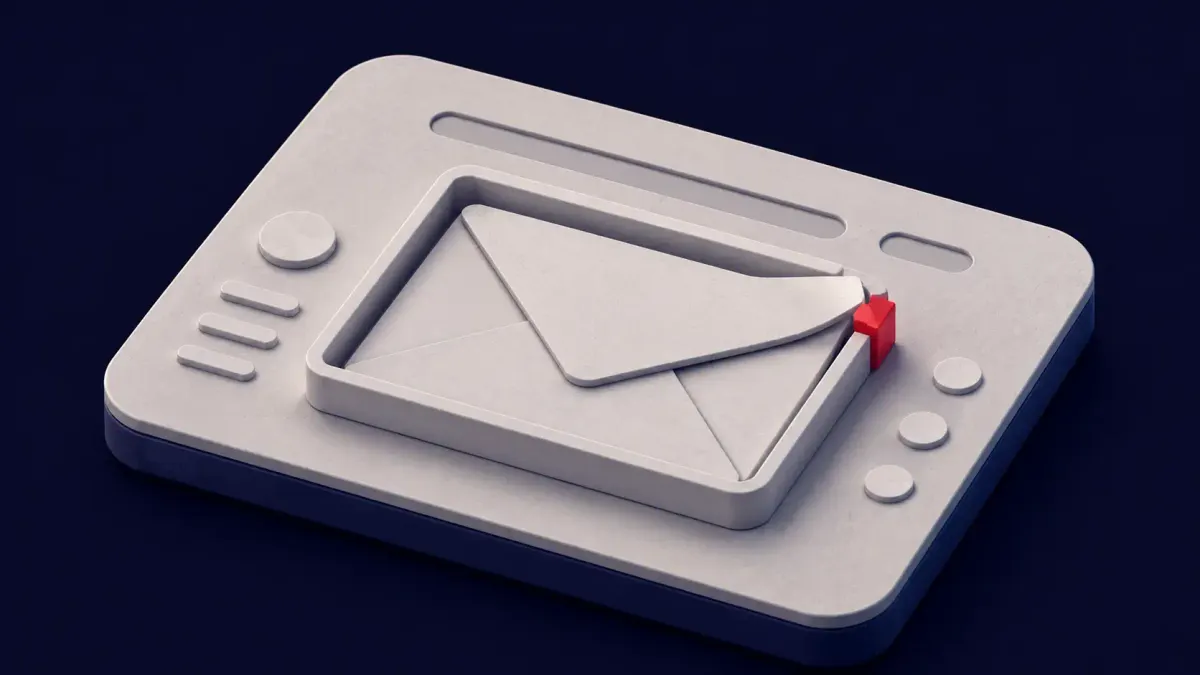
Most email security advice assumes the danger stays inside the message: don't click the link, don't open the attachment — the familiar types of cyberattacks every awareness deck covers. New research from PortSwigger takes aim at a quieter assumption — that the styling inside an email stays inside the email. It doesn't. Researcher Gareth Heyes has shown that CSS (Cascading Style Sheets) placed in an email can escape its own message boundary and reach into the surrounding webmail interface, across six of the largest consumer mail services.
The techniques span Outlook, Gmail, Fastmail, Proton Mail, Yahoo Mail, and AOL Mail. Depending on the provider, the same broad class of flaw can capture passwords as a victim types, take over accounts on third-party sites, leak authentication tokens, hijack trusted interface actions, and manipulate AI tools that read email on a user's behalf. The short version: content a webmail client renders only to make an email look right can be turned into a foothold in the page around it.
Heyes states the premise plainly in the paper's opening: "It's quite common for webmail clients to render untrusted CSS in a trusted UI. They attempt to make this safe using CSS sanitization. In this paper I'm going to show you how to break out of trust boundaries, exfiltrate tokens, compromise 3rd party websites and even steal passwords."
How Styling Escapes the Message
Webmail clients face an awkward requirement. They want your emails to render with the fonts, colours, and layout the sender intended, so they allow a subset of CSS. But that CSS is untrusted content displayed inside a trusted page — the same page that holds your inbox, your account menu, and your login state. To keep the two apart, providers run incoming styles through a sanitizer meant to strip anything dangerous while preserving the harmless presentation.
The research, reported by The Hacker News on August 8, 2026, turns on the gap between what a sanitizer treats as safe and what a browser actually renders. Where those two disagree, a style that looked benign on the way in can behave differently once the browser parses it — enough, in Heyes's technical write-up, to cross the line that is supposed to separate a message from the application around it. I am keeping the mechanics at this level on purpose; this is a defender's account, not a recipe.
Two ideas run through the findings without needing any code to follow them. The first is mutation: a style can pass a filter in one shape and then be rewritten by the browser into another, more capable shape after it is accepted, so the version the sanitizer judged is not the version that runs. The second is that CSS is more powerful than its reputation suggests. Selectors that react to what a user has typed or checked, and properties that quietly fetch a background image from a remote server, give an attacker both a trigger and a way to phone home — all without a line of JavaScript. Chain those together and a stylesheet starts to behave like a script.
Five Ways the Boundary Break Pays Off
Heyes groups the payoff into five outcomes. A crafted message can log keystrokes to capture a password as it is typed; it can take over a victim's account on a third-party website; it can leak authentication tokens; it can hijack a trusted interface action so a click does something the user never intended; and it can feed instructions to AI tools that read email, bending an assistant's behaviour through the content it was asked to summarise. Not every provider is exposed to every outcome, but the collection shows how far a styling primitive can reach once it slips its boundary.
Two of these are worth making concrete, at a safe distance. A password-capture technique can work by tying each key a victim presses to a style rule that fetches a remote image, so the act of typing quietly streams the input to a server the attacker controls — a keylogger built from styling alone. A trusted-action hijack works differently: it borrows the click a user meant for the interface and points it elsewhere, so a routine action in the mailbox triggers something the user never selected. In Heyes's Outlook work, a boundary break was enough to stage a convincing fake login prompt inside the real client. None of the reproducible detail belongs here; the shape of the risk is the point.
What Is Patched, and What Still Works
Patch status is uneven, and the reporting is specific about it. Fastmail fixed two CSS mutation bugs Heyes reported. A Proton Mail proxy bypass he had used stopped working when he retested it before publication. On the other side, an Outlook technique that let a message manipulate the client's own interface still worked at the time of writing — Heyes notes Microsoft had not fixed it — and a Gmail bypass remained functional as of the research's early-August testing. Treat any single provider's status as a moving target: what was open during testing may close without a public advisory, and what looks fixed may only be one variant of a broader problem.
Several things the headline does not settle are worth stating outright. I have not seen CVE identifiers attached to these specific techniques. The research centres on consumer webmail, and whether corporate Microsoft 365 or Google Workspace tenants behave differently — stricter sanitizers, different rendering paths — is not established in the material I reviewed. Where the write-up is silent, I am not filling the gap with assumption.
Why This Belongs on a Defender's Radar
The uncomfortable part is that none of it depends on the victim making a mistake — the same property that made the ZOOMSDAY zero-click annotation hijack so hard to defend against. There is no attachment to open and no link to mis-click; the styling runs the moment the message is displayed, which for many users is the moment it lands in the reading pane. That places these techniques alongside other zero-interaction email threats — including the recent zero-click hijacks that let a crafted email steer AI browsers from Anthropic and OpenAI. The common thread is an application trusting content it should have treated as hostile.
The final impact class deserves its own line. As AI assistants increasingly read and summarise inboxes, an email is no longer just something a person reads — it is input to software that can act. "Manipulate AI tools that read email" means a message can try to steer that software, which folds this research into the wider problem of prompt injection through untrusted content.
My read: the striking thing here is the breadth. One researcher, working across six independent webmail clients, found the same trust boundary breaking in each — which says the weakness is structural, not a single vendor's oversight. Sanitizing untrusted CSS to render inside a trusted page is genuinely hard, and "we filter the dangerous stuff" is a weaker guarantee than most inbox providers have implied. For defenders the takeaway is not panic but posture: assume rich email rendering is an attack surface, and shrink it where the mailbox is worth protecting.
What Defenders Can Do Now
None of the following requires waiting on a vendor. Start at the gateway: confirm that email-content sanitization is enabled and current on your secure email gateway, since provider-side fixes will arrive unevenly. For high-value mailboxes — executives, finance, administrators — consider disabling rich HTML and CSS rendering in favour of plain-text or restricted views, which removes most of the surface these techniques rely on. Restrict email-reading AI assistants so they summarise without the authority to act, and keep them off the highest-risk accounts until this class of issue settles. Finally, watch each provider's security channels and be ready to confirm when Outlook, Gmail, and the rest ship fixes for the pieces still open.