Notification Fatigue: Scammers Weaponize Official Apple Account Alerts for Tech Support Fraud

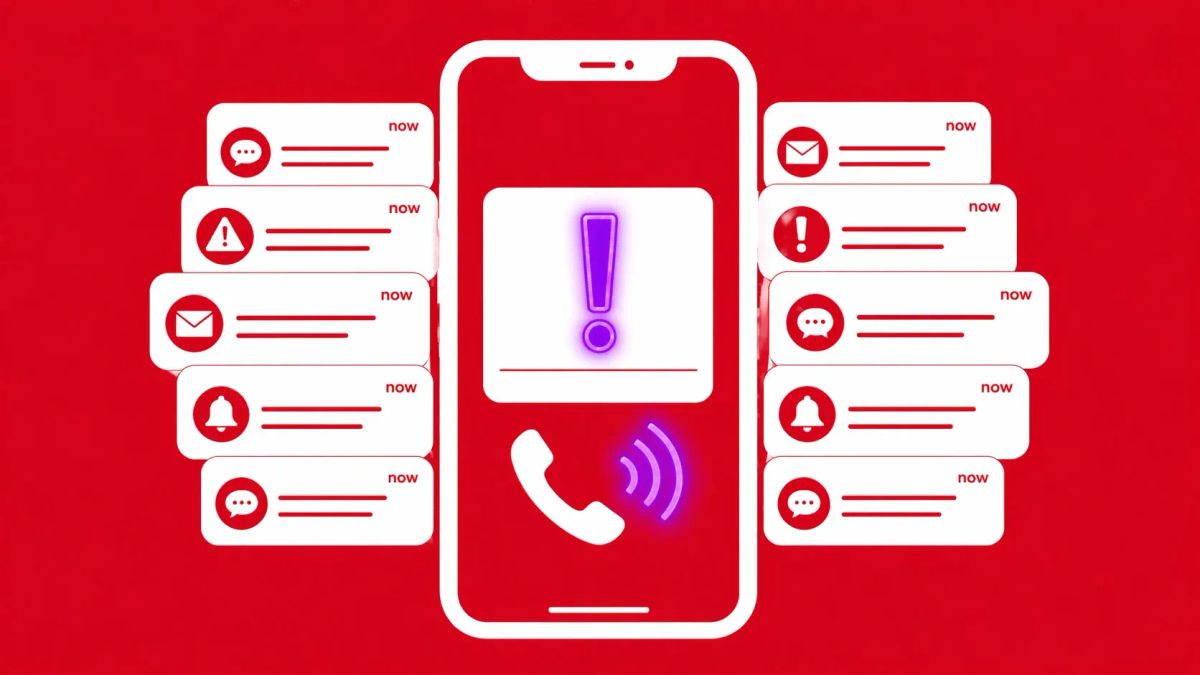
Attackers are exploiting a loophole in Apple’s automated account recovery and security notification systems to bombard users with legitimate system alerts, driving them toward fraudulent support centers.
CUPERTINO, CA — Security researchers from Malwarebytes and reports from the Apple user community have identified a sophisticated campaign that uses Apple’s own infrastructure to facilitate tech support scams. By triggering a barrage of genuine "password reset" or "account change" notifications, threat actors are creating a sense of urgency that bypasses traditional phishing filters, as the messages originate from official @apple.com servers.
This "Notification Bombing" tactic is designed to overwhelm a user’s defenses, leading them to call a fraudulent number provided in a follow-up communication or a modified account field.
Anatomy of a "Notification Bomb" Attack
The Attack Flow: Trusting the System
Unlike traditional phishing, where the email headers are forged, these attacks rely on the abuse of legitimate Apple ID features.
According to BleeperComputer and Security Boulevard, the campaign follows a calculated psychological path:
- The Surge: The attacker triggers dozens of "Allow" or "Don't Allow" prompts for a password reset on the victim’s device. This is often referred to as "MFA Fatigue."
- The Pivot: Once the user is sufficiently frustrated or panicked, they receive a phone call. Because the user has just seen dozens of real Apple alerts, they are highly likely to believe the caller is a genuine Apple support representative.
- The Payload: The "representative" claims the account is under attack and directs the user to a fraudulent website or asks them to provide a one-time code that actually grants the attacker full control over the Apple ID.
The Hardware-Level Challenge
The difficulty in defending against this attack lies in the "Walled Garden" itself. Because these are system-level notifications, users cannot easily block them without disabling critical security features. Apple’s official documentation (HT210256) reminds users that Apple will never call to ask for a password or a verification code, yet the high fidelity of the incoming alerts makes this a difficult signal for the average user to ignore.
The CyberSignal Analysis
Signal 01 — The Weaponization of "System Trust"
This incident is a definitive "Signal" for third-party risk. When we outsource our security to a platform provider like Apple, we assume their automated signals are safe. This campaign proves that automated trust is the new frontier for social engineering. For B2B leaders, the takeaway is that your employees are most vulnerable when they receive a "Real" alert. Training must evolve from "spotting a fake email" to "verifying a real notification."
Signal 02 — The Critical Need for "Out-of-Band" Verification
This is a high-fidelity "Signal" for identity & access management (IAM). The success of this scam relies on the user staying within the attacker's communication loop. The defense "Signal" here is the enforcement of Out-of-Band (OOB) protocols. If an employee receives a barrage of alerts, the policy must be to manually navigate to the official portal or call a known-good number from a separate device, rather than interacting with the prompt or a suspicious incoming call.