How to Create a Strong Password (2026 Security Guide)

A strong password is the first line of defense in protecting your online accounts, sensitive information, and digital identity. As cybercriminals become more advanced, weak passwords and reusing passwords across multiple accounts remain one of the biggest causes of data breaches. Using an eight character password is no longer sufficient, as short passwords are extremely easy for hackers to crack. Avoid including easily obtainable personal information, such as the name of a family member, in your passwords, since this information can be easily found and exploited by cybercriminals. This makes your accounts vulnerable to unauthorized access and identity theft, which can lead to financial loss and privacy breaches.
In fact, 81% of data breaches are linked to weak passwords or reused credentials. If you’re asking how do you create a strong password, the answer goes beyond complexity — it requires a strategy built around length, uniqueness, and secure storage. Understanding these elements and implementing them consistently is essential to safeguarding your digital life against increasingly sophisticated cyber threats.
Why Strong Passwords Matter for Online Security
A strong password protects access to everything from your bank account to your social media accounts. Hackers rely on predictable behavior, knowing many people use common passwords, simple passwords, or the same password across multiple accounts. This predictability makes it easier for cybercriminals to gain unauthorized access by exploiting weak points in your security.
When one account is compromised, attackers often attempt to access other accounts using the same credentials. This is known as credential stuffing, and it is one of the most effective ways cybercriminals gain unauthorized access. Because many people reuse passwords, a single breach can cascade into multiple account compromises, amplifying the damage. Strong passwords act as a critical barrier, preventing attackers from easily moving from one account to another and protecting your personal and financial information.
How Do You Create a Strong Password That Hackers Can’t Crack?
Password Length and Complexity
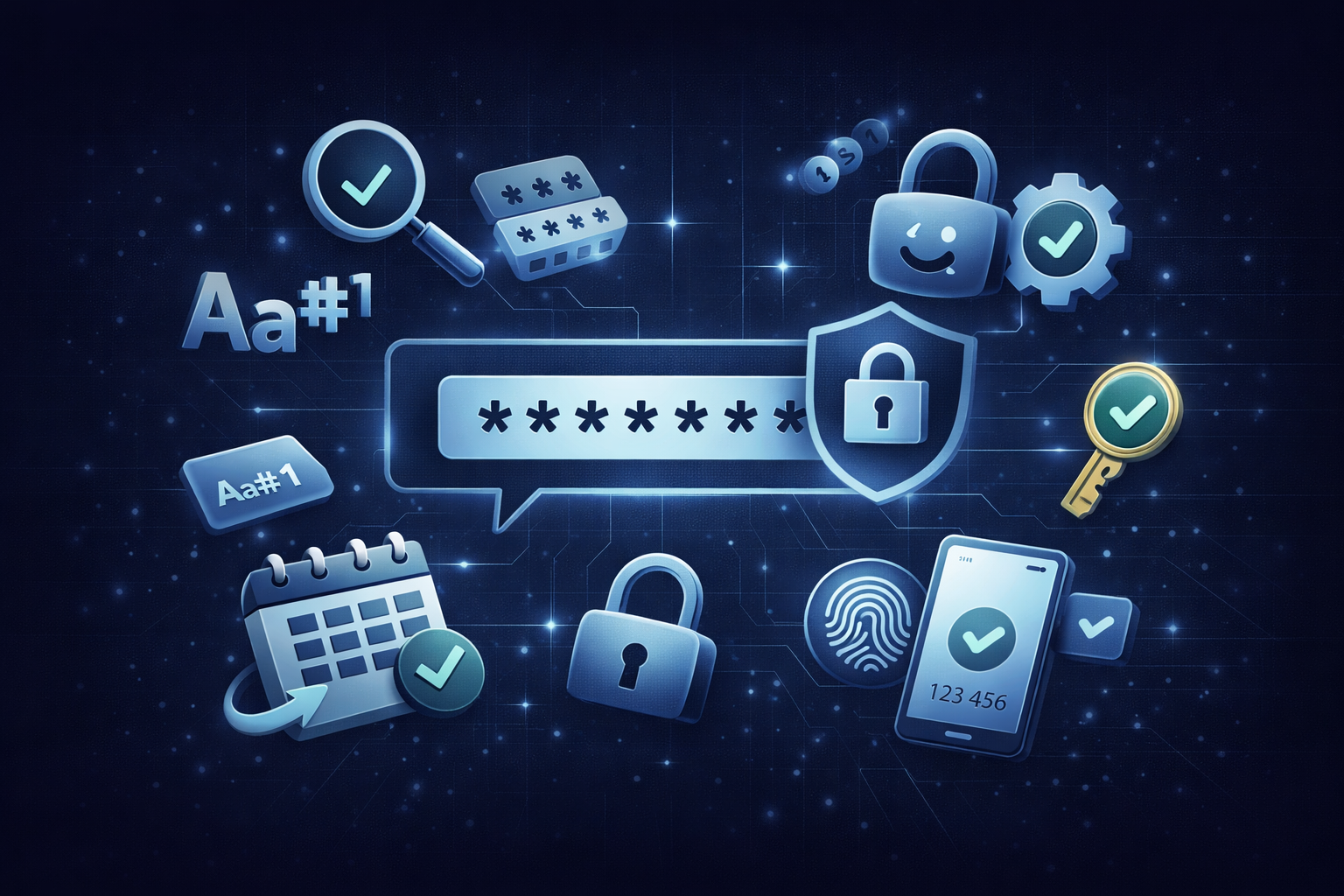
To create a strong password, focus on password length, randomness, and unpredictability. Short passwords and eight character passwords are extremely easy for modern tools to crack, especially with AI-driven attacks. Hackers use sophisticated algorithms that can quickly guess common patterns and simple passwords, so increasing complexity alone isn’t enough.
A good password should be at least 16 characters long and include a mix of uppercase and lowercase letters, numbers, and special characters. Including uppercase letters and ensuring you use both upper and lowercase letters in your password adds an extra layer of security, making it significantly harder for hackers to crack. The combination of different character types increases the number of possible combinations exponentially, making brute-force attacks impractical.
Passphrases vs. Passwords
However, the most effective method is using long passwords built from unrelated words, which are significantly harder to guess. Mixing uppercase letters, lowercase letters, numbers, and special symbols, while avoiding predictable patterns, makes passwords much harder to guess. This approach balances security with memorability, enabling you to create passwords that are both strong and practical.
Using Long Passwords and Passphrases for Better Security
What is a Passphrase?
A passphrase is a password made from 4–7 random, unrelated words, which is easier to remember and more secure than a short, complex password.
Why Use Long Passwords and Passphrases?
Long passwords are exponentially more secure because they increase the time required for brute force attacks. A long passphrase made from 4–7 unrelated words provides strong protection while remaining easier to remember. This technique leverages length and randomness, two critical factors in password strength, while reducing the cognitive load of memorizing complex character strings.
Instead of relying on complex passwords that are hard to recall, combining unrelated words with random characters creates a secure and practical approach. This method balances usability and strong password security. For example, a passphrase like “BlueTiger7!CloudRiver” is much harder to crack than a shorter, complex password and easier to remember because it forms a mental image. Incorporating symbols and numbers further enhances protection without sacrificing memorability.
Best Practices to Create a Strong Password
Using Password Managers
Creating and maintaining strong passwords requires consistent habits and the right tools. Following proven best practices can significantly reduce your risk of account compromise and protect your data from online threats. Using a trusted password manager is highly recommended, as it helps you generate, store, and manage strong, unique passwords for all your accounts.
Best Practices Checklist
| Best Practice | Why It Matters |
|---|---|
| Use at least 16 characters | Longer passwords are exponentially harder for hackers to crack using brute force |
| Use a mix of letters, numbers, and symbols | Combining uppercase and lowercase letters with numbers and special characters increases complexity |
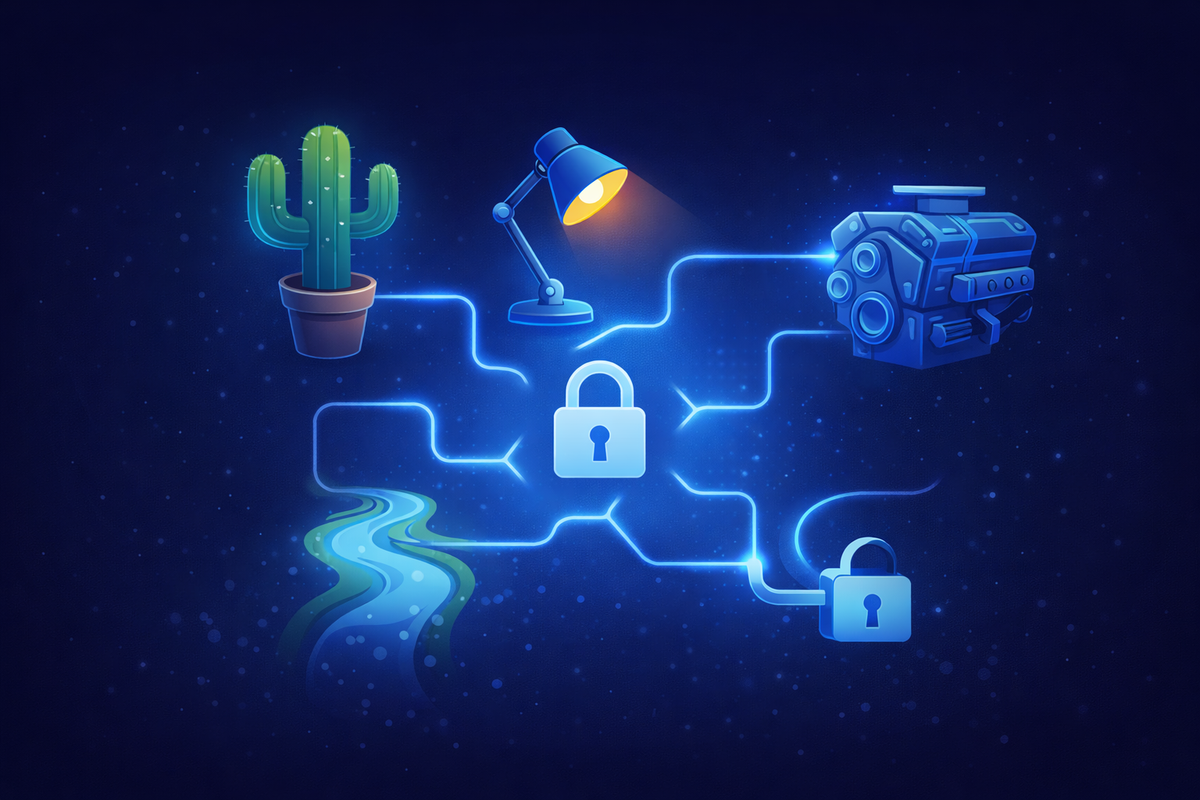
| Use unrelated words (passphrases) | Random combinations like “RiverLampCactusEngine” are easier to remember and harder to guess |
| Never reuse passwords | Reusing passwords across multiple accounts exposes all accounts if one is breached |
| Use a password manager | A secure password manager generates and stores unique passwords for every account |
| Enable multifactor authentication | Adds a second layer of security even if your password is compromised |
| Avoid personal information | Names, birthdays, and phone numbers are easy for attackers to find and guess |
| Use a password generator | Automatically creates strong, random passwords that meet security standards |
| Don’t store passwords on sticky notes | Physical exposure can lead to easy compromise |
| Monitor for unusual activity | Detecting suspicious access early helps prevent account takeover |
These best practices work together to create a layered defense strategy. By combining long passwords, unique credentials, and additional protections like multi factor authentication, you can significantly improve your overall security. Remember, using a strong password should be the minimum step you take to secure your accounts. Regularly reviewing your passwords, updating weak ones, and monitoring for unusual activity are also important aspects of maintaining robust online security.
The Power of Letters, Numbers, and Symbols
A strong password isn’t just about length — it’s about complexity. Using a combination of uppercase and lowercase letters, numbers, and special characters makes your password much harder for hackers to guess or crack. For example, a password like “P@ssw0rd!” is far more secure than a simple password such as “password” because it mixes letters, numbers, and symbols in a way that’s difficult for brute-force attacks to break.
Avoid using common words or predictable patterns, as these are often the first things hackers try. Instead, opt for random combinations of characters that don’t form recognizable words or phrases. This approach creates complex passwords that are much more resistant to attacks. If you find it challenging to come up with such passwords, a password manager can help by generating and storing strong, random passwords for you. By relying on a password manager, you can maintain high password security without having to remember every detail yourself.
Creating a Strong Password for Each Account
It’s essential to create a unique password for every account you have. Reusing the same password across multiple accounts is a major security risk — if one account is compromised in a data breach, all your other accounts using that password could be at risk. To create a strong password for each account, make sure it’s at least 12 characters long and includes a mix of letters, numbers, and symbols. Avoid using personal information or common words, as these are easy for attackers to guess.
A password generator is a great tool for creating random, unique passwords that are difficult to crack. Many trusted password managers offer built-in password generators, making it simple to create and store a unique password for every account you use. By using a password manager, you can significantly reduce the risk of your accounts being compromised. For even greater security, enable multi factor authentication on your most important accounts to add an extra layer of protection.
Tips for Remembering Strong Passwords
- Start with a memorable phrase or sentence and substitute some letters with numbers and symbols. For example, the phrase “I love to eat pizza” can be transformed into a strong password like “Il0v3T0e@tP1zz@”.
- Use a password manager to generate and store complex passwords for all your accounts. With a password manager, you only need to remember one master password.
- Avoid writing your passwords on sticky notes or saving them in unsecured documents, as these methods put your information at risk.
- If necessary, use a locked notebook for backup, but never leave it in an easily accessible place.
- For those who prefer not to create their own passwords, a random password generator can quickly create unique and complex passwords for each account.
- Always enable multi factor authentication when available to further protect your accounts.
By following these tips, you can create and remember strong passwords that keep your sensitive information safe from online threats.
The Role of Random Passwords and Password Generators
Random passwords provide the highest level of protection because they remove human predictability. A password generator or random password generator can instantly create complex passwords using random characters, symbols, and combinations.
Many password managers include built-in generators, making it easy to create new passwords that meet modern security standards. These tools securely keep your stored passwords in encrypted vaults, making it easy to manage them on your computer. Password managers can help you create, store, and enter passwords on your behalf, reducing the risk of forgetting or misplacing passwords. Using random passwords for each account ensures that even if one password is exposed, your other accounts remain secure.
Why You Should Use a Password Manager
The most secure way to manage passwords is to not memorize them, except for one master password. A secure password manager stores all your passwords in an encrypted vault, allowing you to maintain strong passwords across multiple accounts without relying on memory. With a password manager, you only need to remember one strong password to access your encrypted vault of stored passwords.
Trusted password managers like Bitwarden or 1Password can generate, store, and autofill unique, long passwords for every site in encrypted vaults. Many password managers offer free trials or free versions, making it easy to get started without any upfront cost. By using a password manager, you only need to remember one master password, which simplifies password security while significantly reducing risk.
Using a password manager can significantly reduce your vulnerability to cyber threats. It also eliminates the need to share passwords insecurely, ensuring only you have access to your sensitive credentials.
Avoiding Weak Passwords and Common Mistakes
- Avoid using weak passwords that rely on common words, predictable patterns, or personal information such as pet names or phone numbers. These are extremely easy for hackers to guess using automated tools or publicly available data.
- Never reuse passwords across multiple accounts. If your password is exposed in a data breach, attackers can use that information to access other accounts, making password reuse one of the most dangerous habits.
- Do not share passwords or use easily guessable information to keep your accounts secure.
Multifactor Authentication Adds Another Layer of Security
Even the best password cannot protect you from every type of attack. Multifactor authentication adds a second layer of security by requiring an additional verification step beyond your password.
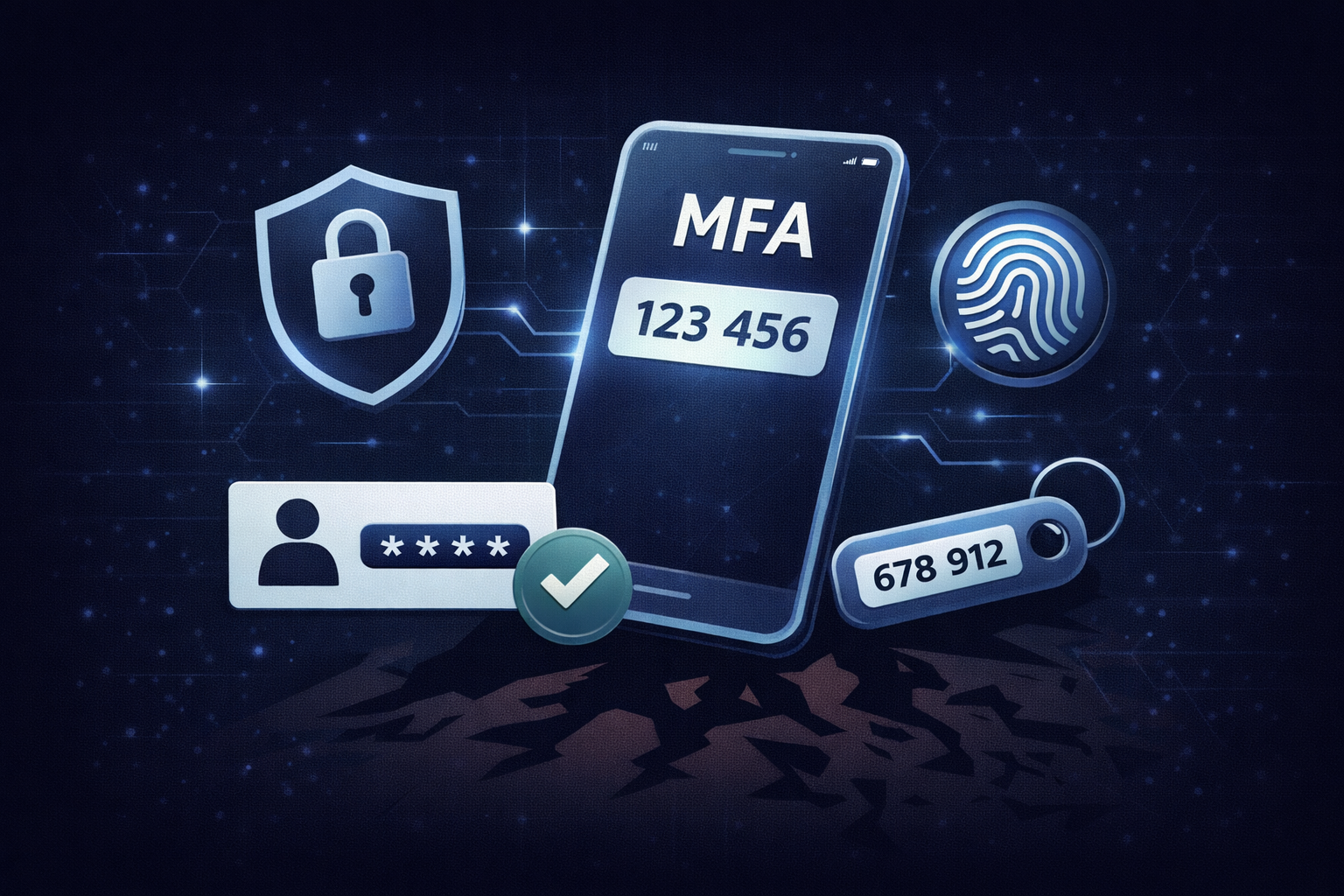
Enabling multi factor authentication significantly reduces the likelihood of unauthorized access. Even if your password is compromised, attackers cannot access your account without the second factor. This extra step might include a code sent to your phone, a biometric scan, or an authentication app, making it much harder for cybercriminals to breach your accounts.
Best Practices to Maintain Strong Passwords
- Monitor your accounts for unusual activity and update passwords when necessary to protect your account information from compromise.
- Avoid changing passwords too frequently unless there is a clear reason, such as a data breach or suspicious activity.
- Focus on maintaining strong, unique passwords and storing them securely.
- Use a secure way to manage your passwords and never write them down in easily accessible places like sticky notes.
- Regularly audit your accounts and update weak or reused passwords to stay ahead of potential threats.
FAQ: How Do You Create a Strong Password?
What is a strong password?
A strong password is a long, unique combination of letters, numbers, and symbols that is difficult for hackers to guess or crack. It avoids common words, personal information, and predictable patterns.
How long should a password be?
Passwords should be at least 16 characters long to provide strong protection against brute force attacks. Longer passwords exponentially increase security.
Should I use the same password for multiple accounts?
No, each account should have a unique password to prevent widespread access if one account is compromised. Reusing passwords significantly increases your risk.
What is the best way to manage passwords?
The best way is to use a secure password manager to generate, store, and manage passwords safely. This ensures you only need to remember one master password and keeps your credentials encrypted.
Is multifactor authentication necessary?
Yes, it adds an extra layer of security and significantly reduces the risk of unauthorized access. It is highly recommended to enable MFA on all accounts that support it.